Field Guide: Exchange Server SE Hybrid Modern Authentication with All Mailboxes On-Premises

Field Guide: Exchange Server SE Hybrid Modern Authentication with All Mailboxes On-Premises

Exchange, Exchange Server SE / 2019 / 2016, Hybrid
Applies to: Exchange Server SE / 2019* / 2016* *See Section 1.1 for version-specific HMA compatibility and minimum Exchange Server CU and HU/SU requirements. Organizations may need to keep all their Exchange mailboxes on-premises for business, technical, or regulatory reasons, but still want to enable Modern Authentication and use Microsoft Entra ID features such as MFA. Hybrid Modern Authentication (HMA) makes this possible without moving mailboxes to Exchange Online. Supported Exchange clients can authenticate through Microsoft Entra ID while their mailboxes remain on-premises. In this Field Guide, I show how I configured HMA on Exchange Server SE using Microsoft Entra Connect, the Hybrid Configuration Wizard (HCW), and Exchange PowerShell. The configuration covers Classic Outlook, OWA, and ECP, with both Password Hash Synchronization (PHS) and Pass-through Authentication (PTA). The guide also…
Read More
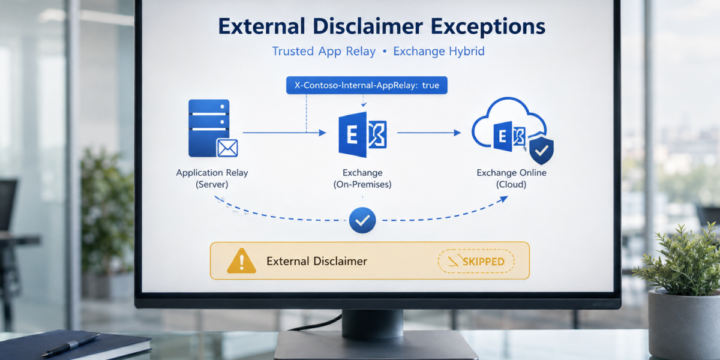
Handling External Disclaimer Exceptions for Trusted Application Relays in Exchange Hybrid

Handling External Disclaimer Exceptions for Trusted Application Relays in Exchange Hybrid

Exchange, Exchange Online, Exchange Server SE / 2019 / 2016, Hybrid, Security & Hardening
Applies to: Exchange Server SE / 2019 / 2016 | Exchange Online | Hybrid In Exchange Hybrid environments, it is common to use mail flow rules to add an external disclaimer or warning banner to messages received from outside the organization. A typical warning may look like this: WARNING: This email originated from outside the organization. Do not click links or open attachments unless you recognize the sender. This is a good security control. It helps users identify messages that came from external sources. However, there are some scenarios where messages generated by internal application servers may also receive this external disclaimer. This usually happens when an internal application server submits email anonymously to Exchange Server on-premises, and Exchange then routes the message to Exchange Online. In this article, we…
Read More
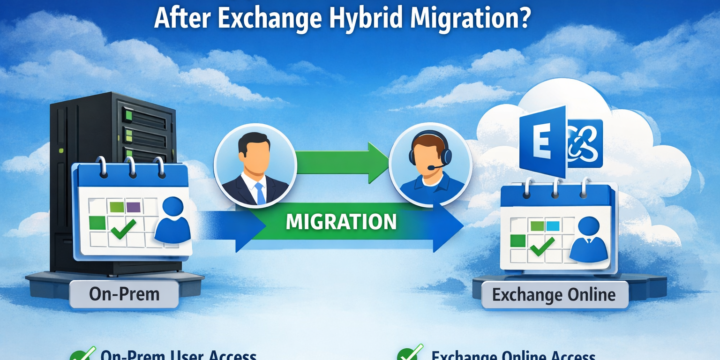
What Happens to Shared Calendars After Exchange Hybrid Migration?

What Happens to Shared Calendars After Exchange Hybrid Migration?

Exchange, Exchange Online, Hybrid, Migration & Upgrade
Applies to: Exchange Server SE / 2019 / 2016 | Exchange Online | Hybrid In Exchange Hybrid environments, shared calendar behavior after mailbox migration is often misunderstood. Calendar access does not automatically fail when a mailbox moves to Exchange Online, but the result depends on the permission type, how it was assigned, and the hybrid configuration. This article walks through a controlled test and shows the behavior observed before and after the move. In This Article 1. Scenario 2. Step 1 – Test Default Behavior (On-Prem → On-Prem) 3. Step 2 – Check Existing Permissions 4. Step 3 – Assign Explicit Permission 5. Step 4 – Verify Access 6. Step 5 – Migrate Mailbox to Exchange Online 7. Step 6 – Test After Migration (Both Directions) 7.1 Test 1 –…
Read More