Windows Server 2003 Cluster with StarWind iSCSI on VMware Workstation
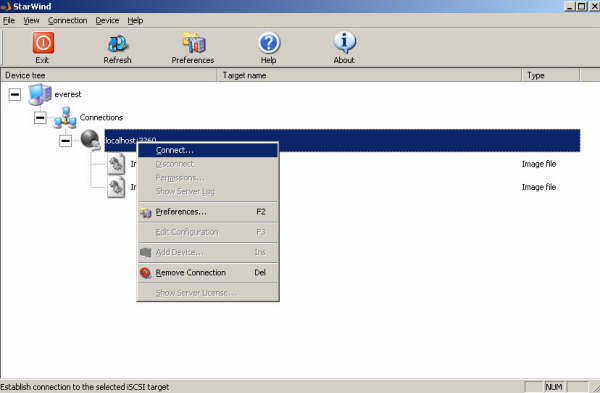
Applies to: Windows Server 2003 | VMware Workstation 7.x / 6.x | legacy StarWind iSCSI Target Historical: This article documents an older shared-storage clustering setup using Windows Server 2003 virtual machines, VMware Workstation, Microsoft iSCSI Initiator, and the legacy StarWind iSCSI Target interface. The exact StarWind screens and Windows Server clustering workflow shown here are no longer current, but the underlying storage model is still useful: both cluster nodes connect to the same shared iSCSI LUNs, which are then presented to Windows Failover Clustering. In This Article 1. Original Design 2. Configure StarWind Storage 3. Configure the Networks 4. Connect the First Cluster Node 5. Connect the Second Cluster Node 6. Current Windows Server Guidance 7. Key Takeaways 1. Original Design The original setup used three components: iSCSI target: StarWind…