VMware vCenter Server 5.1 Update 1 and ESXi 5.1 Update 1 Released
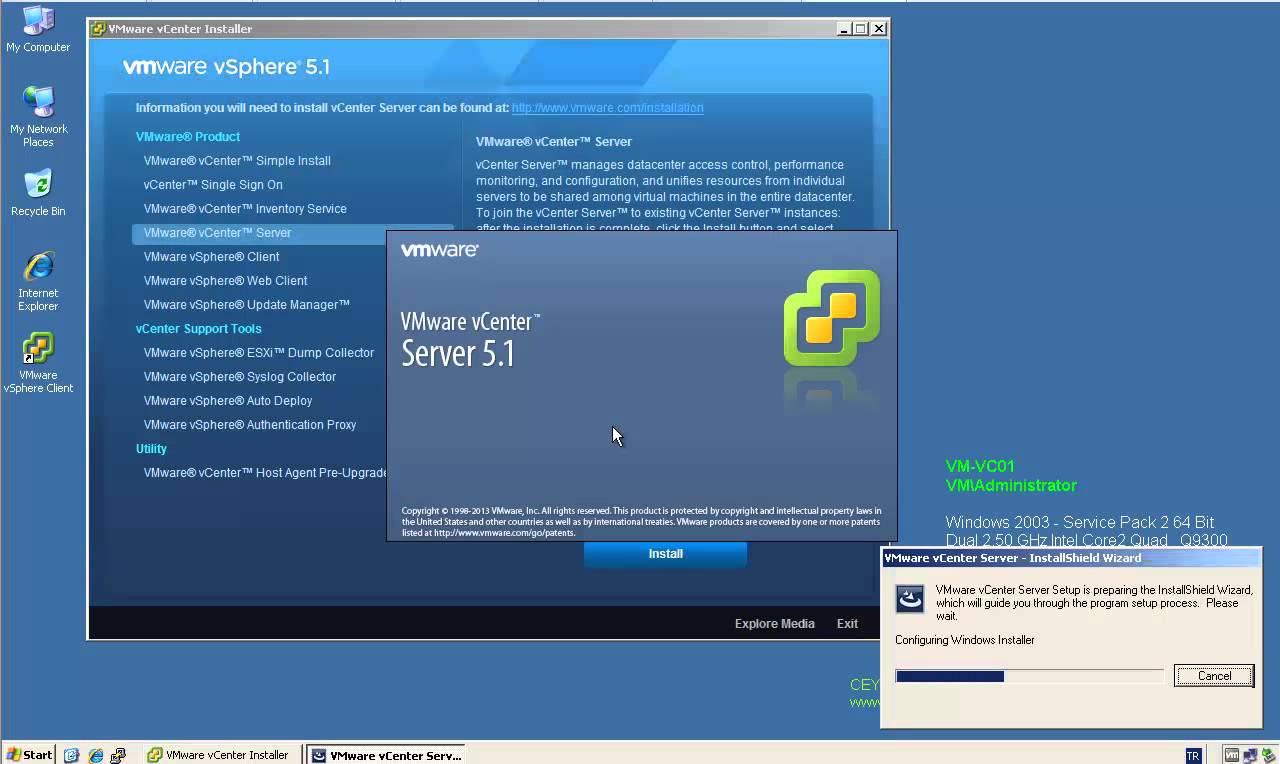
[caption id="attachment_561" align="alignnone" width="303"] VMware vSphere 5.1 Update 1[/caption] April 25th, VMware released vCenter Server 5.1 Update 1 and ESXi 5.1 Update 1. This release offers the following improvements: vCenter Server is now supported on Windows Server 2012 Additional vCenter Server Database Support: Microsoft SQL Server 2012 Microsoft SQL Server 2008 R2 SP2 Additional Guest Operating System Customization Support: Windows 8 Windows Server 2012 Ubuntu12.04 RHEL 5.9 Resolved Issues: This release delivers a number of bug fixes that have been documented in the Resolved Issues section in release notes. All new vSphere features are available only through the vSphere Web Client. vSphere Client will continue to operate, but not exposing any of the new features in vSphere 5.1. vSphere 5.1 and its subsequent update and patch releases are the…