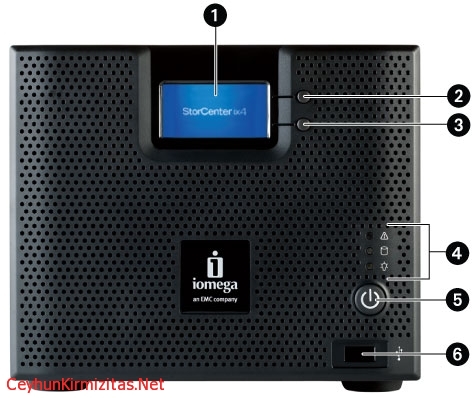
 This error is caused by the proxy settings currently enabled for your web browser. To resolve this issue, please follow the steps for your browser:
Internet Explorer:
1- Open Internet Explorer.
2- From the Tools menu, select Internet Options.
3- Select the Connections Tab.
4- Select the LAN Settings button.
If you have a proxy server enabled, either:
Select Bypass proxy server for local addresses.
Or
Un-check the Use a proxy server for your LAN checkbox.
Mozilla:
1- Open Mozilla.
2- From the Edit menu, select Preferences.
3- From the Advanced category, select Proxies.
If you have a manual proxy server configured, either:
Add the IP address you find in StorCenter Manager to the No Proxy for list. See How do I find the device’s IP address?
Or
Select Direct connection to the internet.

Cloud and infrastructure professional with nearly two decades of experience in enterprise IT environments, spanning public cloud, private cloud, and hybrid architectures.